

A common question we receive is: "How can I work with cadastral data?"
Fortunately, since late 2024 this question has a positive answer — though it remains unclear to citizens, designers and engineers (outside the surveying profession, hopefully) how to work with so-called "open data".
The potential of open data is enormous. It is also the key to transparent governance.
What is open data?
This type of data is provided by ministries, agencies, municipalities and other bodies in an open, machine-readable format. Users can use, process or analyse this data. Open data very often also includes so-called "metadata" — data describing the structure of the information.
In Bulgaria, the Ministry of e-Government has created an Open Data Portal, accessible at: https://data.egov.bg/.
However, this portal does not include the open data provided by the Agency for Geodesy, Cartography and Cadastre (AGKK). And there is a reason for that…
AGKK Open Data Portal
To access open data from AGKK, visit the Cadastre Administrative Information System (CADIS): https://kais.cadastre.bg/bg/OpenData.
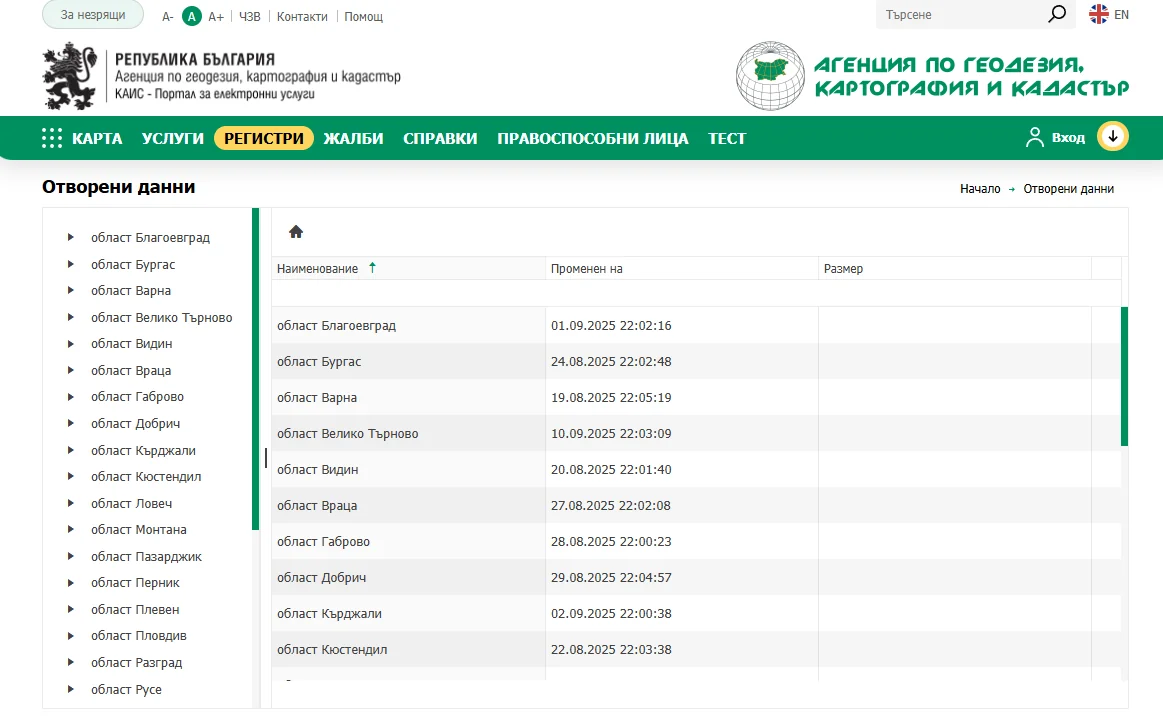
On the left side of the portal, regions of Bulgaria are listed in alphabetical order. Selecting a region reveals the list of municipalities in that area on the right.
For simplicity, we will look for open cadastral data for the village of Vlado Trichkov, Svoge Municipality, Sofia Region.
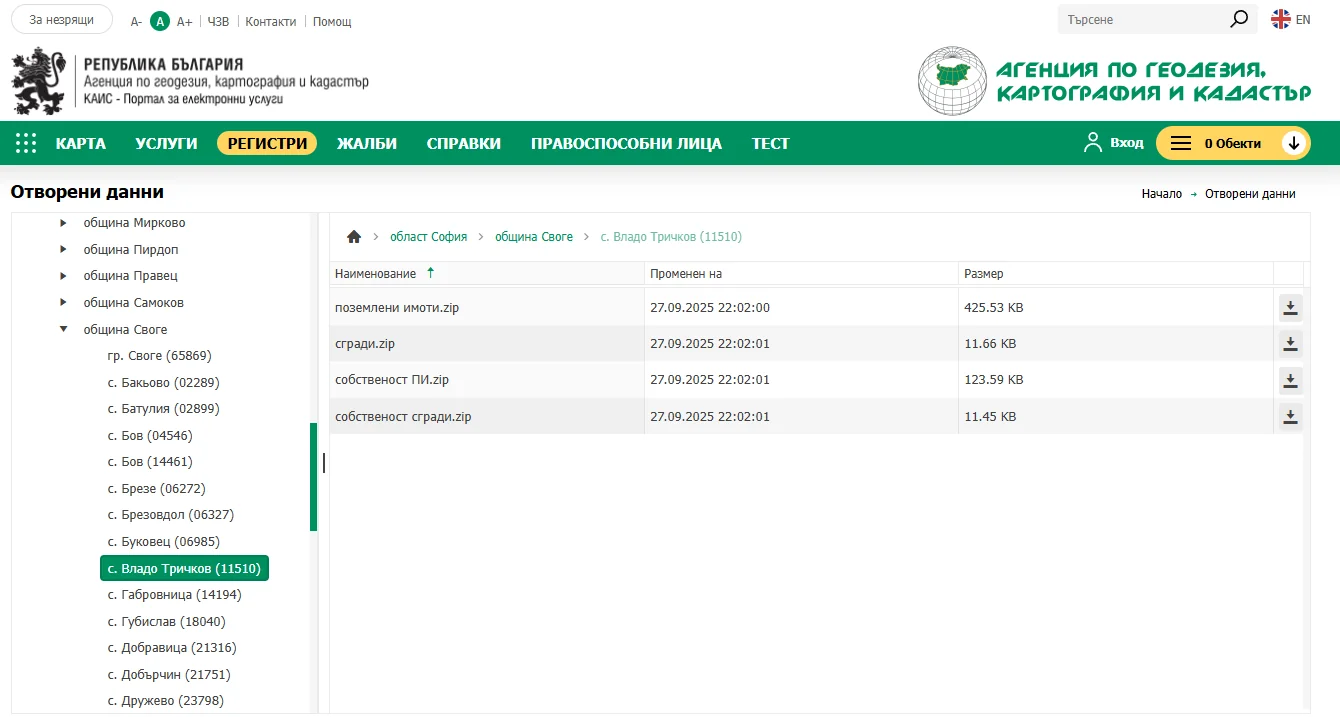
Note: Data is updated monthly, which you can verify using the "Modified on" column.
Available data files
After selecting Vlado Trichkov (11510), a list of open data appears on the right:
| File | Description |
|---|---|
| land_plots.zip | Geometry of land plots |
| buildings.zip | Geometry of buildings |
| ownership_plots.zip | Ownership type data (private, municipal, state) |
| ownership_buildings.zip | Ownership type data for buildings |
All data is archived — extract the archives after downloading. The format is ESRI shapefile.
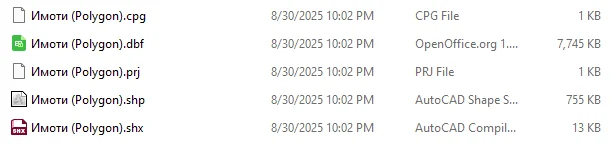
Working with data in QGIS
Load the data into QGIS — a free, open-source GIS application perfectly suited for this task.
Before any operations, you must configure the coordinate reference system. The official coordinate system of Bulgaria's cadastral map is BGS2005 with EPSG code 7801.
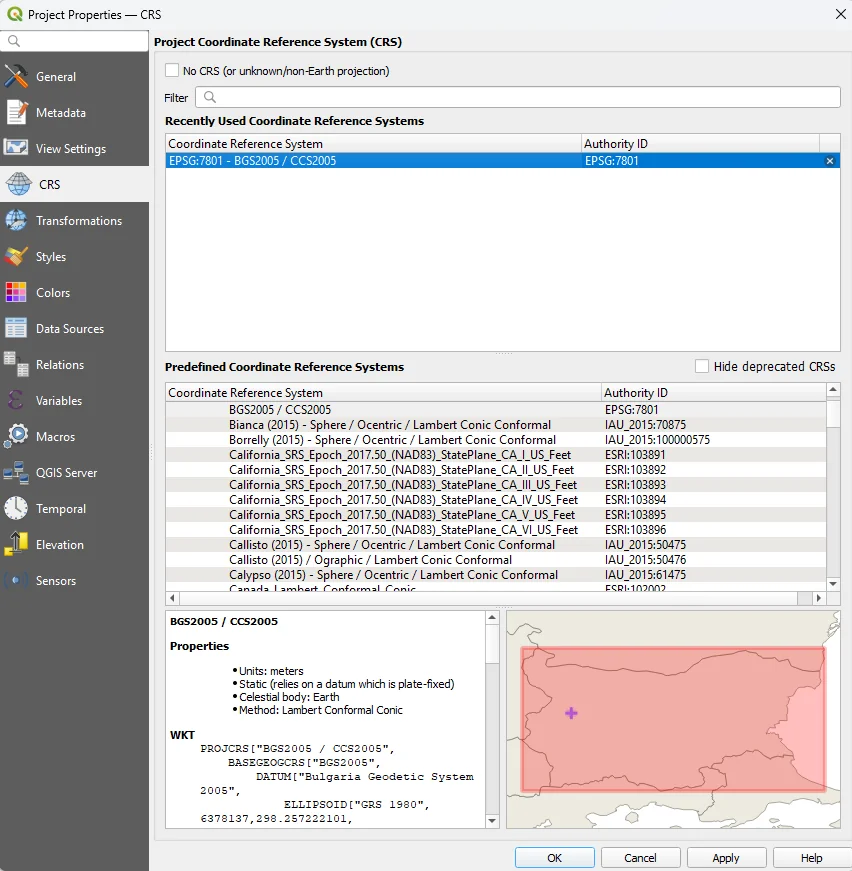
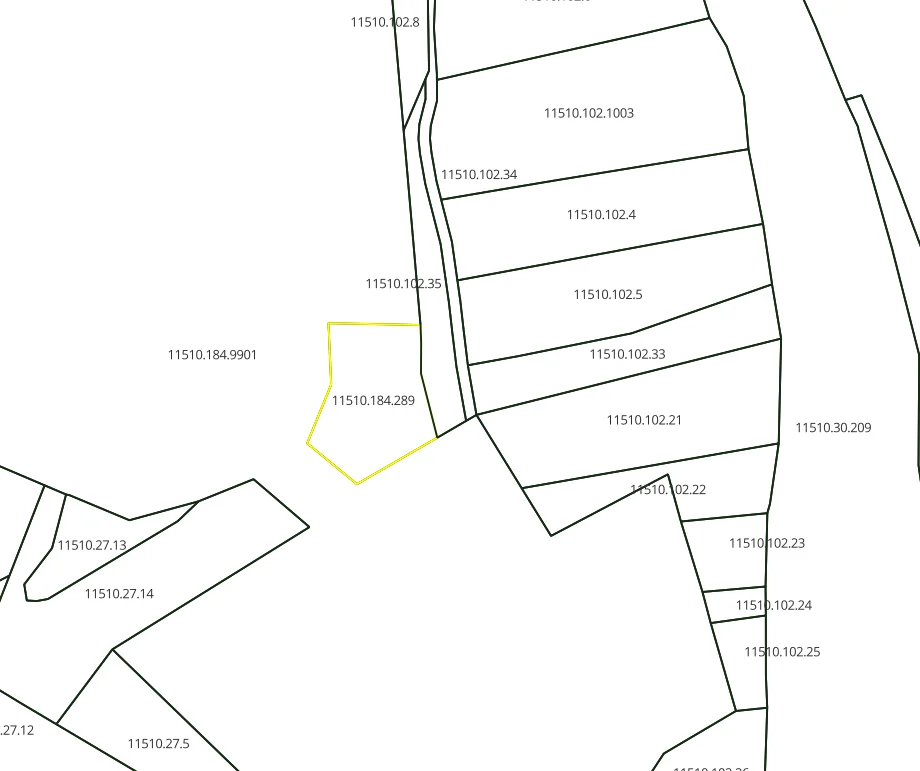
Load the file Parcels (Polygon).shp via drag-and-drop or from Layer → Data Manager → Vector.
Converting to CAD format (DXF)
For use in a CAD environment, the shapefile format is not ideal. Convert the data to DXF via QGIS:
- Create a new layer: Layer → Create Layer → New Shapefile Layer (type: LineString, projection: epsg:7801)
- Copy the selected parcels into the new layer
- Export: Export → Save Features As → DXF
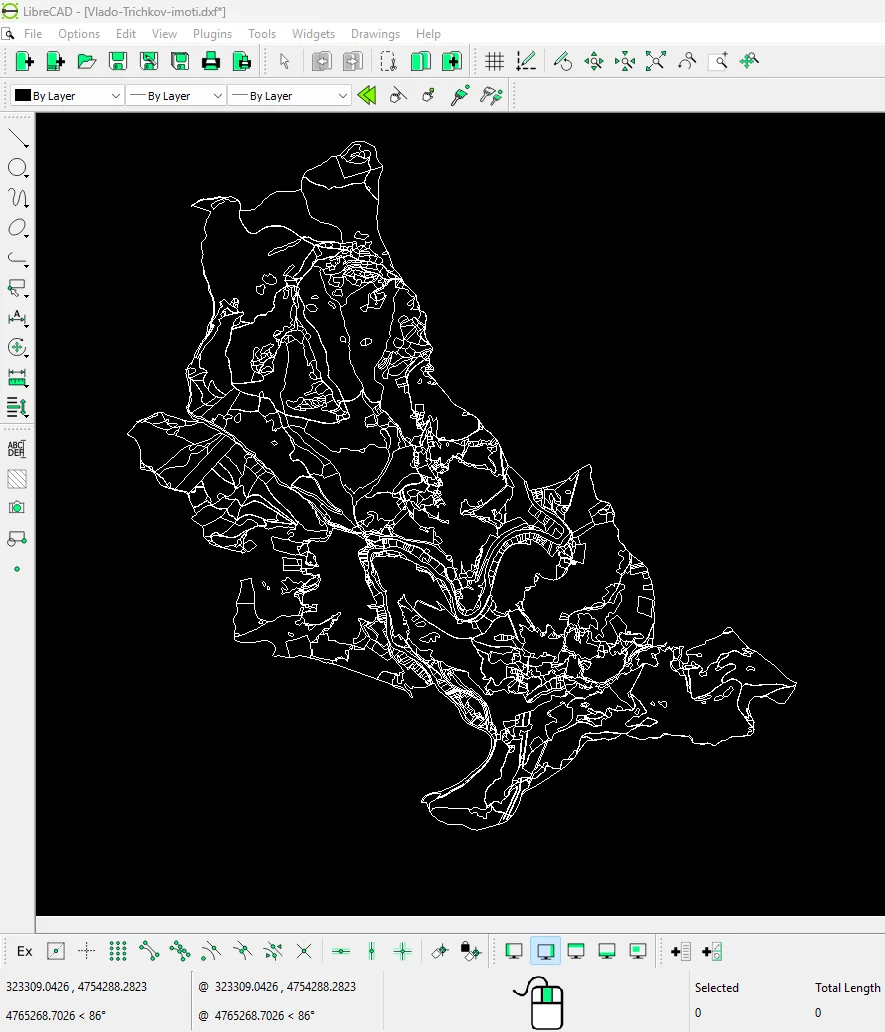
Done! You can now work with open data from AGKK in a CAD environment as well.
For more information, write to us at office@map-ing.com or call +359 877 846 278.